
To set your own logo for the web portal, first login to the admin portal located at: https://manage.mycustomerconnect.com as shown in image LC-1 below.
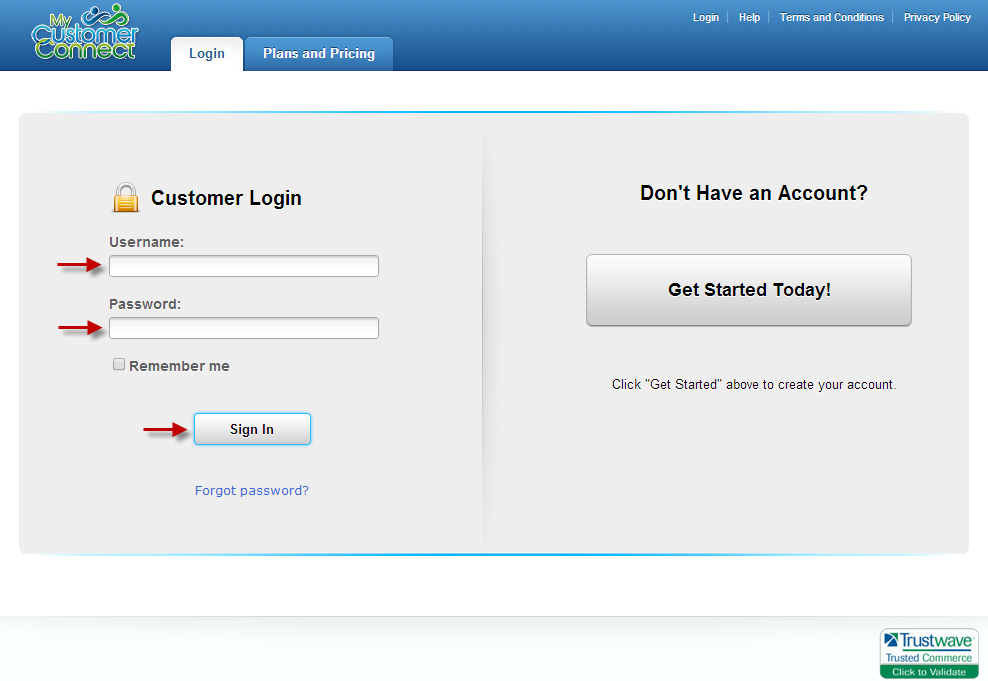 LC-1
LC-1Once you have logged-in, click on the My Services tab and then click on Manage for the service you want to set-up/customize as shown in image LC-2 and LC-3 below.
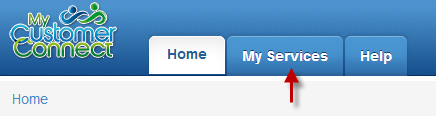 LC-2
LC-2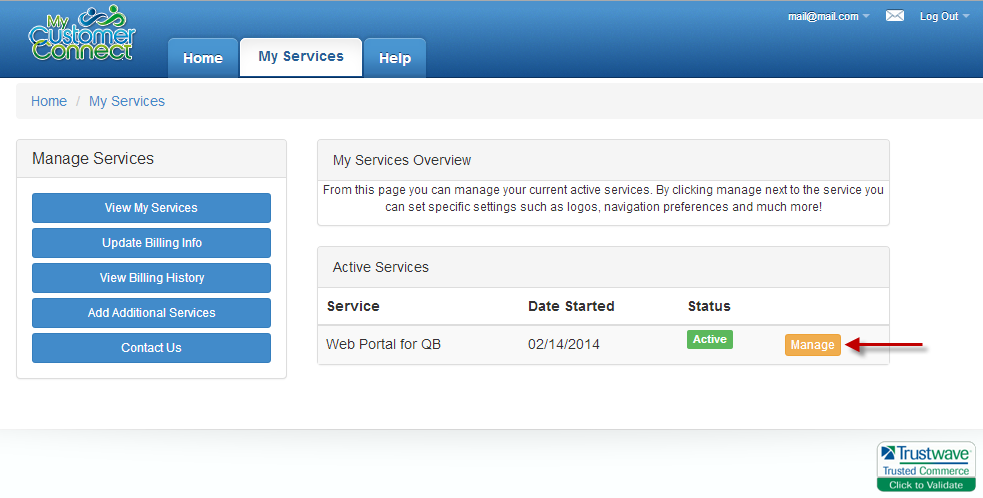 LC-3
LC-3On the bottom half on the screen you will see the settings and preferences section for the service you selected. From here you can edit the various settings and set your companies logo as shown in image LC-4.
 LC-4
LC-4